Transfer Files From Android to Linux
Environment
- OS: Arch Linux
- Phone: Android (OPPO Find X9 Ultra)
Prerequisites
Use adb to transfer files.
First, enable Developer Options by tapping the Build number 7 times. Next, enable USB debugging, then connect the phone to Linux using a USB cable.
Verify Connected Devices
adb devices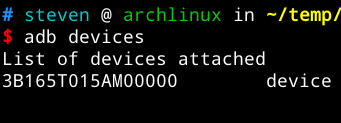
List Files and Directories
adb shell ls /sdcard/DCIM
# or
adb shell ls /sdcard/DCIM/Camera
Transfer a Folder or File
adb pull /sdcard/DCIM/Camera /DESTINATION
Done

Troubleshooting
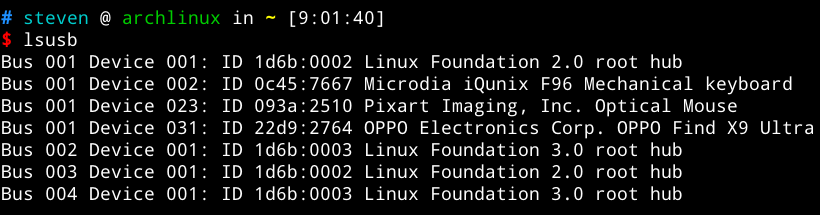
If no device is listed after running adb devices, ensure the phone is properly connected to Linux:
lsusb

# If the command is not found, install usbutils
sudo pacman -S usbutils